R | Trader Pro is a native Rithmic platform that allows you to access your Tradentry trading account using your Rithmic login details. Use the correct username, password, and server to connect successfully.
💻 Step 1 — Launch R | Trader Pro
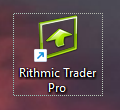
- Locate the R | Trader Pro icon on your desktop and double-click to launch the platform.
🔎 Step 2 — Find Your Rithmic Login Details
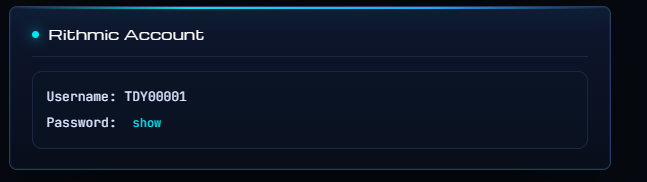
- Go to your Tradentry Member Area.
- Find your Rithmic login details: User ID, Password.
🔐 Step 3 — Enter Your Credentials in R | Trader Pro
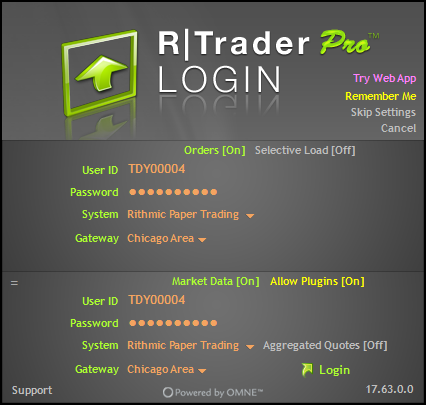
- In the R | Trader Pro login window, enter the credentials provided in your Tradentry Member Area.
- Make sure the server is set to Rithmic Paper Trading for evaluation accounts.
📄 Step 4 — Accept the Rithmic Agreements
During your first login, Rithmic may display agreement pop-ups. You must accept both Rithmic Agreements by clicking “I Accept”. If you do not accept the agreements, the platform connection may not work properly.
You may also use the following link to complete the agreement process manually with your Rithmic credentials: rithmic.com/rag_paper.html
Please choose non-professional data when completing the agreements if this matches your status. In that case, no additional professional data fee should be charged.
Important: If you selected professional status by mistake, please contact Tradentry support to request recertification.
✅ Final Check
After logging in, verify that your account is visible, your connection is active, and you are using the correct Rithmic environment before placing any trades.
If you cannot log in, double-check your username, password, server selection, and whether the Rithmic agreements have been accepted.